
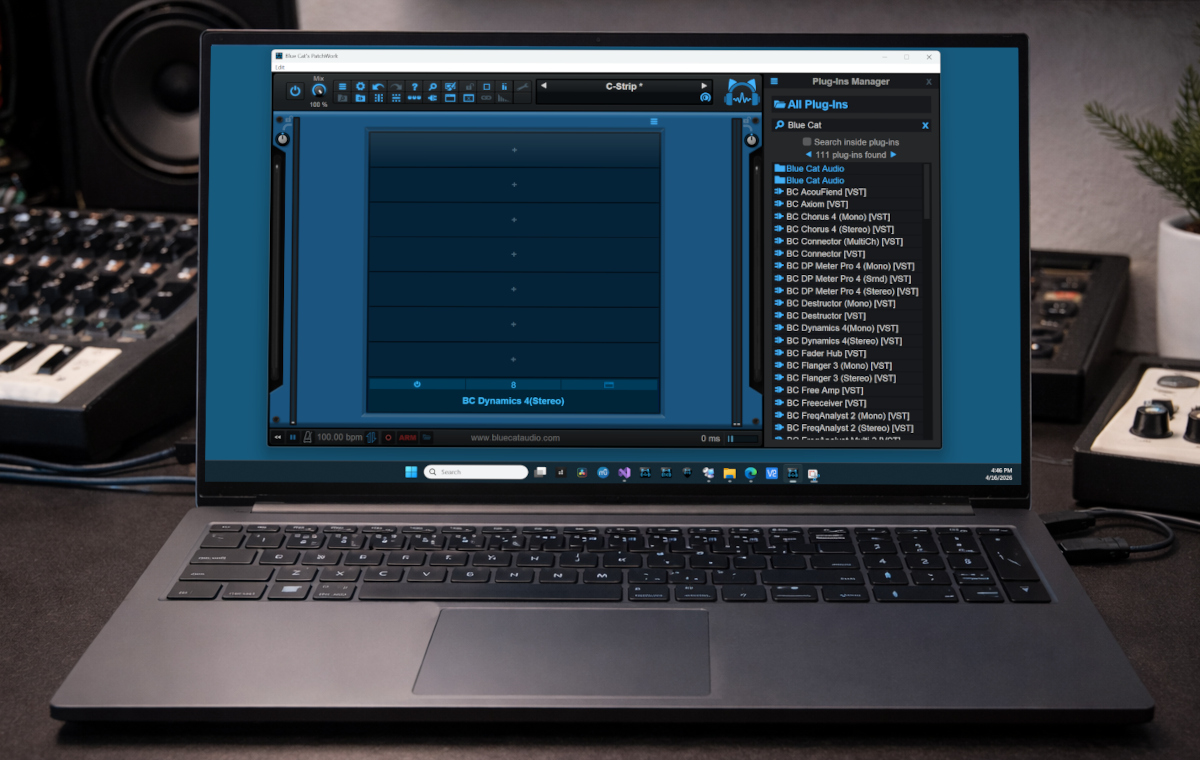
Now that PatchWork has a scanner for third party plug-ins, you may end up with a quite extensive list in your plug-ins menu. That’s where the new plug-ins browser, available in PatchWork 2.78, is handy to help you manage your plug-ins and find your favorite ones quickly. Check it out!
This new feature is also being added to the Late Replies, MB-7 Mixer, Axiom and Fader Hub plug-ins host (check out the previews or latest updates!).
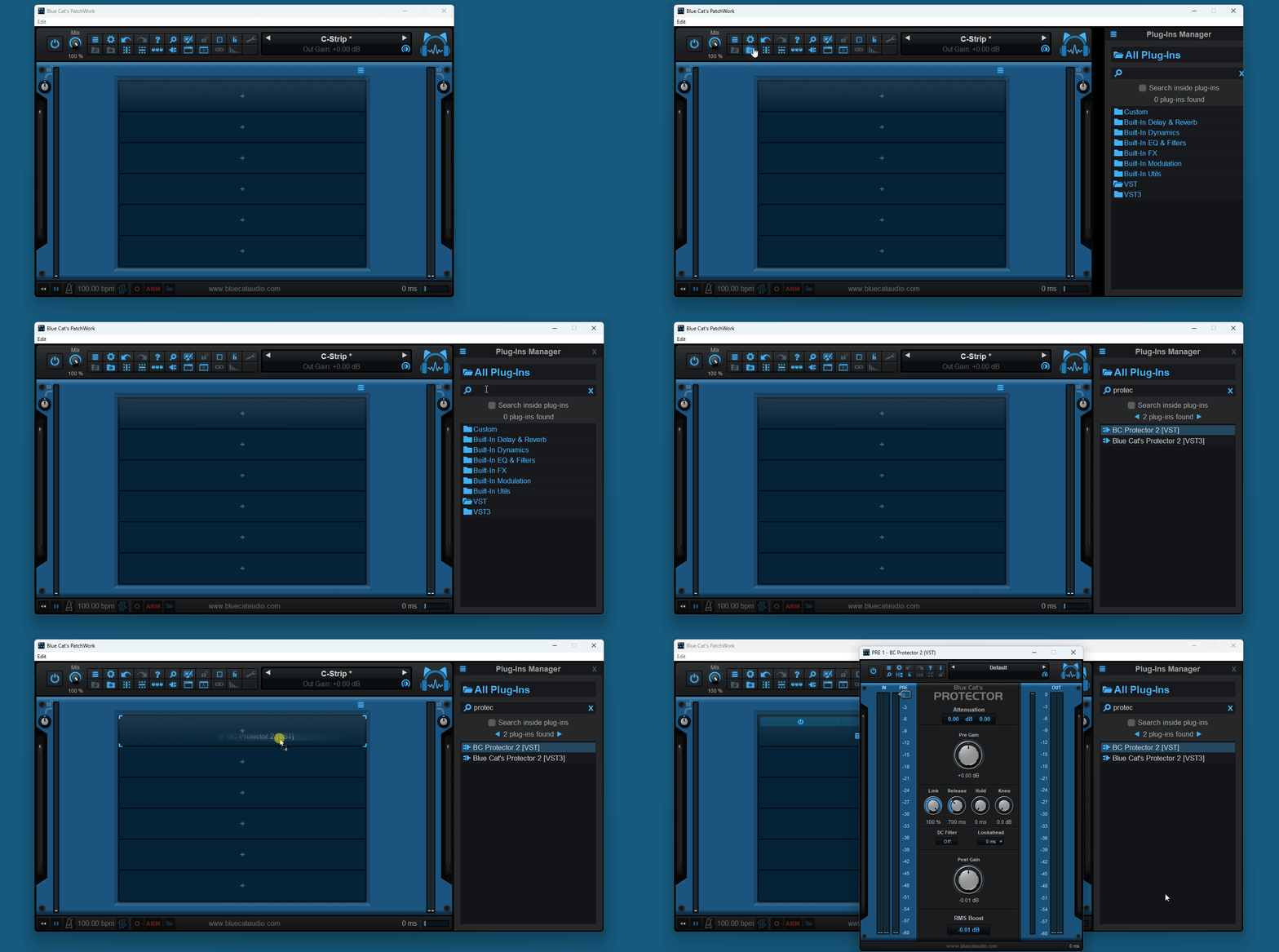
Showing the Plug-Ins Browser
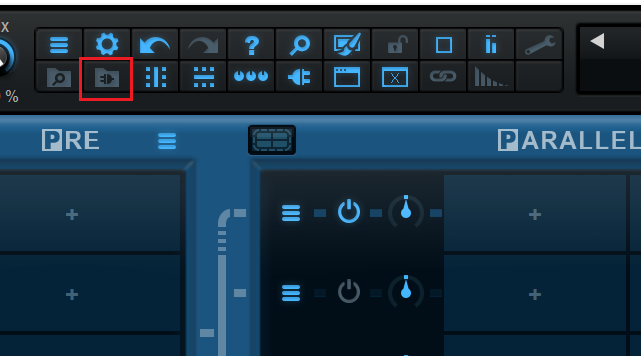
Just click on the new icon in the toolbar to open the plug-ins manager:
It will appear on the right of the user interface. It is very similar to the presets browser, except that it lets you manage the built-in and third party plug-ins instead:
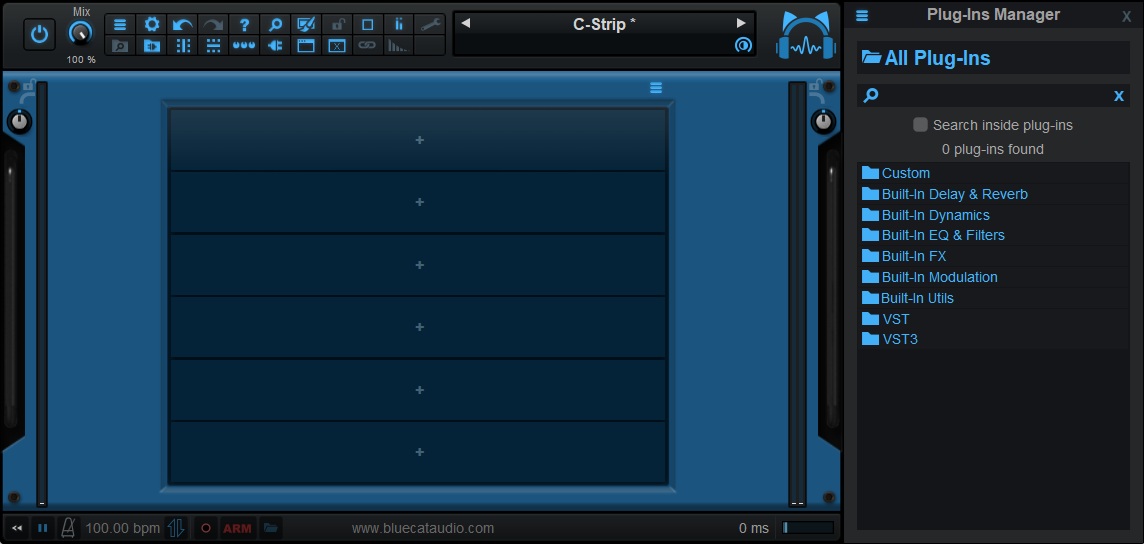
Plug-Ins Manager Features
Scanner & Cache Management
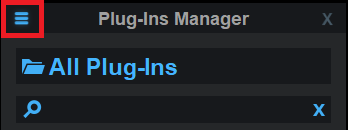
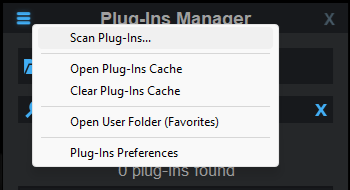
From the menu at the top left, you can access a couple of features to manage the scanner, the plug-ins cache and the preferences for the plug-ins:
Search
Type into the search box and see the related plug-in appear in the list:
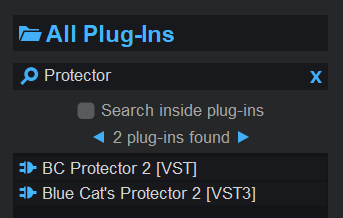
Note: you can choose to search “inside plug-ins” which results in full text search inside the plug-in info files (may be slower). It is particularly useful if you have saved favorites with built-in plug-ins as the files will contain the entire preset data from the plug-in. It may also let you find plug-ins with their file name instead of their actual name.
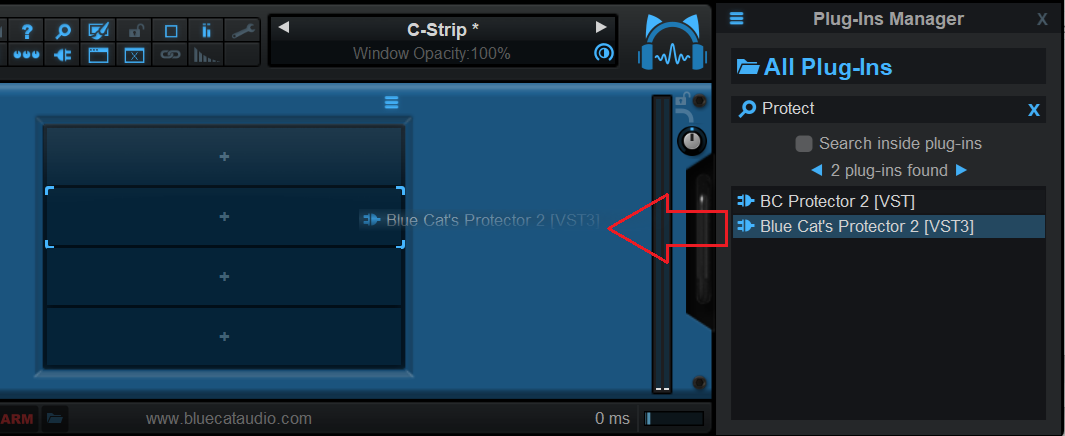
You can them drag and drop your plug-ins to the slots of your choice:
Browse
You can also access your plug-ins by clicking on the folders and listing the plug-ins:
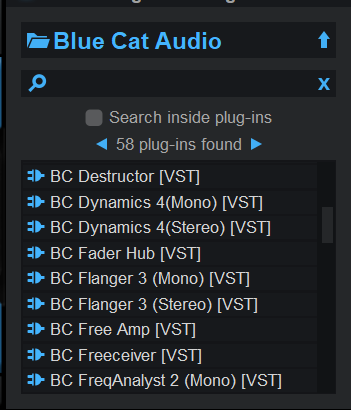
Here again you can drag and drop the selected plug-in onto a plug-in slot to load it.
Using The Finder or Explorer
The top menu gives you access to the scanner or user directory where the plug-ins data is stored so that you can also browse the plug-ins from there if you prefer. Drag and drop the files onto the slots like with the built-in browser:
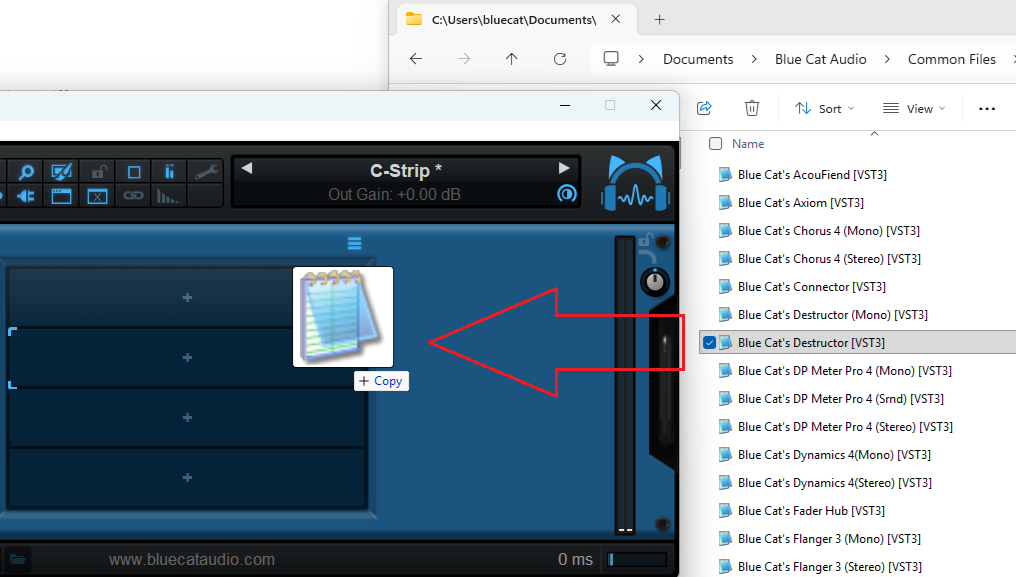
You can also copy and move the files to reorganize them there to change how they appear in the menu and the browser.
However it is recommended to perform changes only in your “User” (favorites) folder: the scanner may remove or re-write the files later in case anything has changed in the plug-ins, so it is recommended to leave the scanner directory alone.
The Menu is Still Here
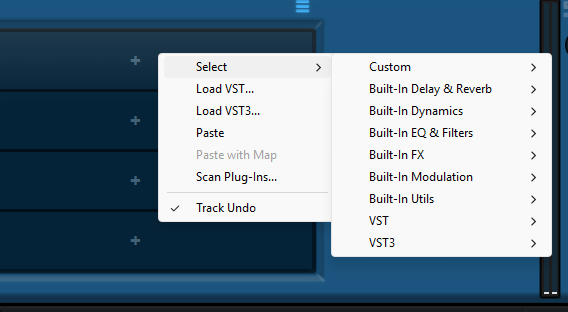
Of course you can still use the good old plug-in menu from the plug-in slots to select/load your plug-ins:
Detaching The Plug-Ins Manager
You can also choose to detach the plug-ins manager in a floating window:
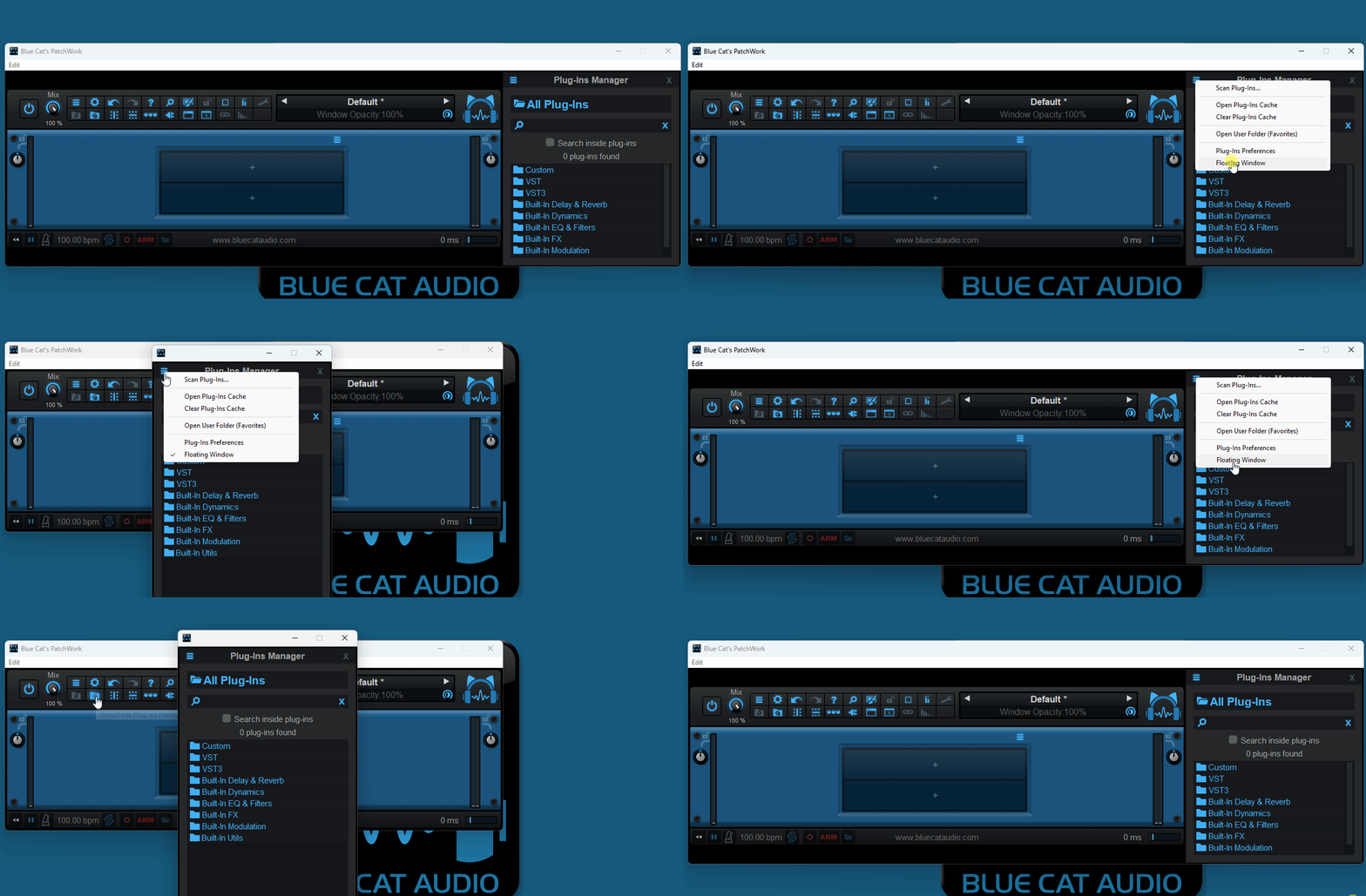
If you want to keep the plug-in manager in a separate window every time you open a new instance of PatchWork (or the standalone application), you can simply set it up the way you want and use the save as user default magic command in the presets menu.
Enjoy!


Very nice! Thank you!
Glad that you like it!