
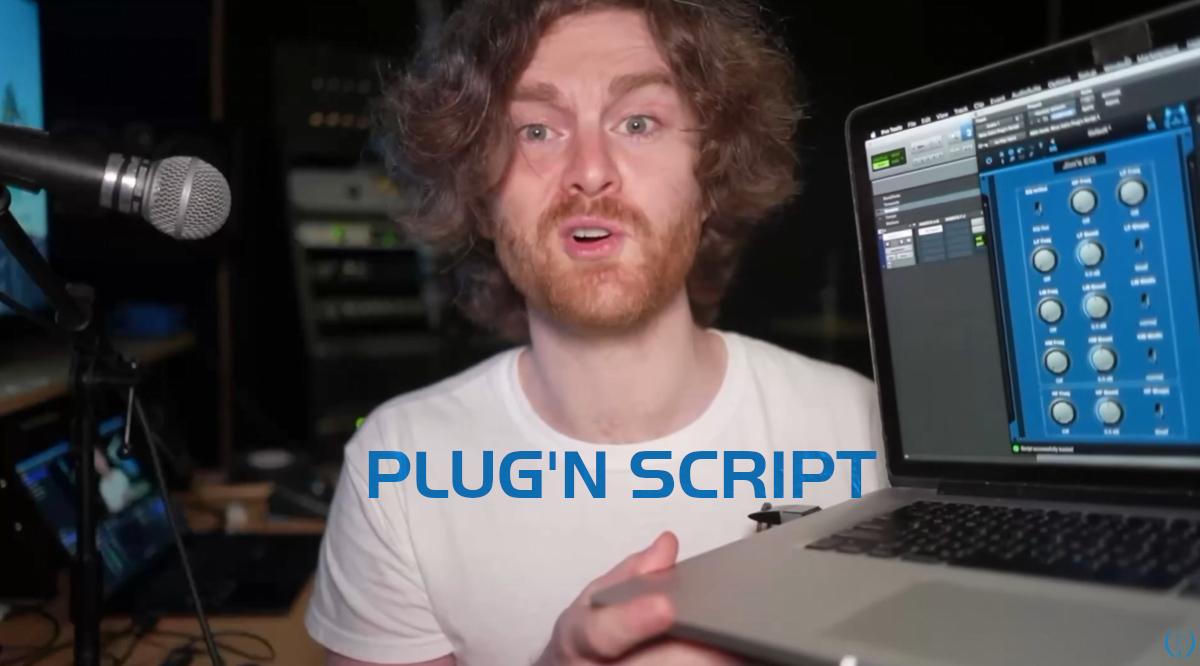
I recently noticed that Blue Cat’s Plug’n Script makes a couple of appearances in Jim Lill’s latest video exploring microphone preamps and in particular Neve consoles’ preamps.
For those who have not come across his work before, Jim Lill is well known in the audio community for designing creative experiments and sharing them publicly. His videos often spark lively discussions among engineers, producers, and musicians, while encouraging people to explore audio concepts for themselves.
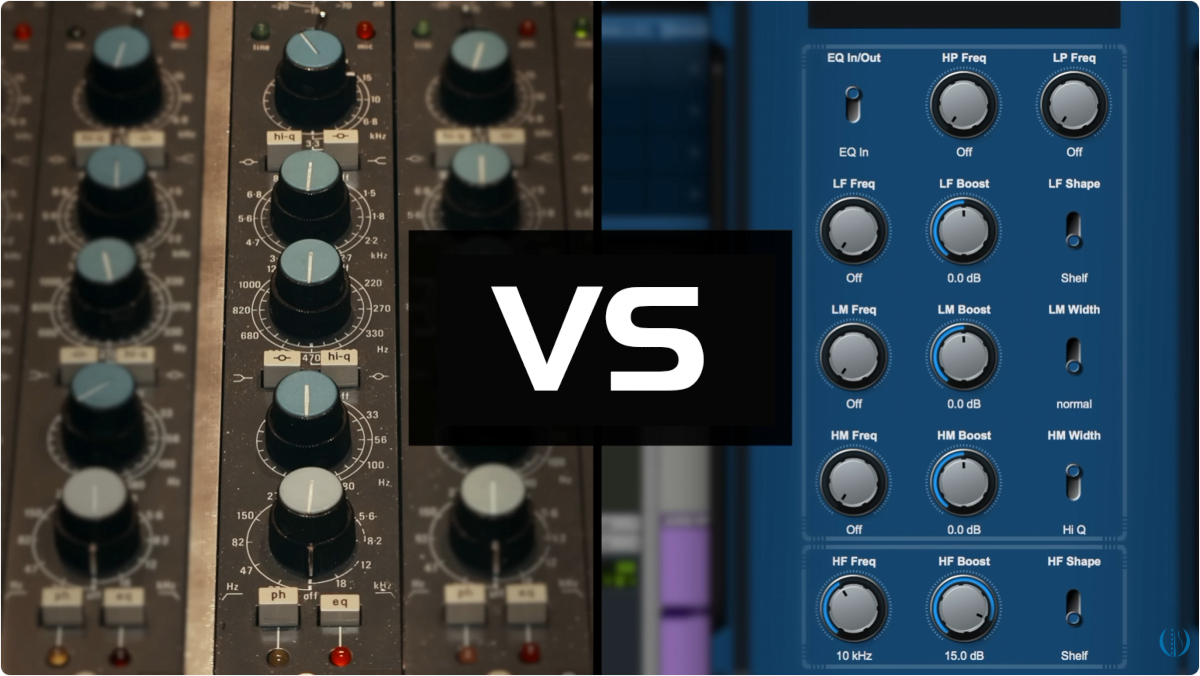
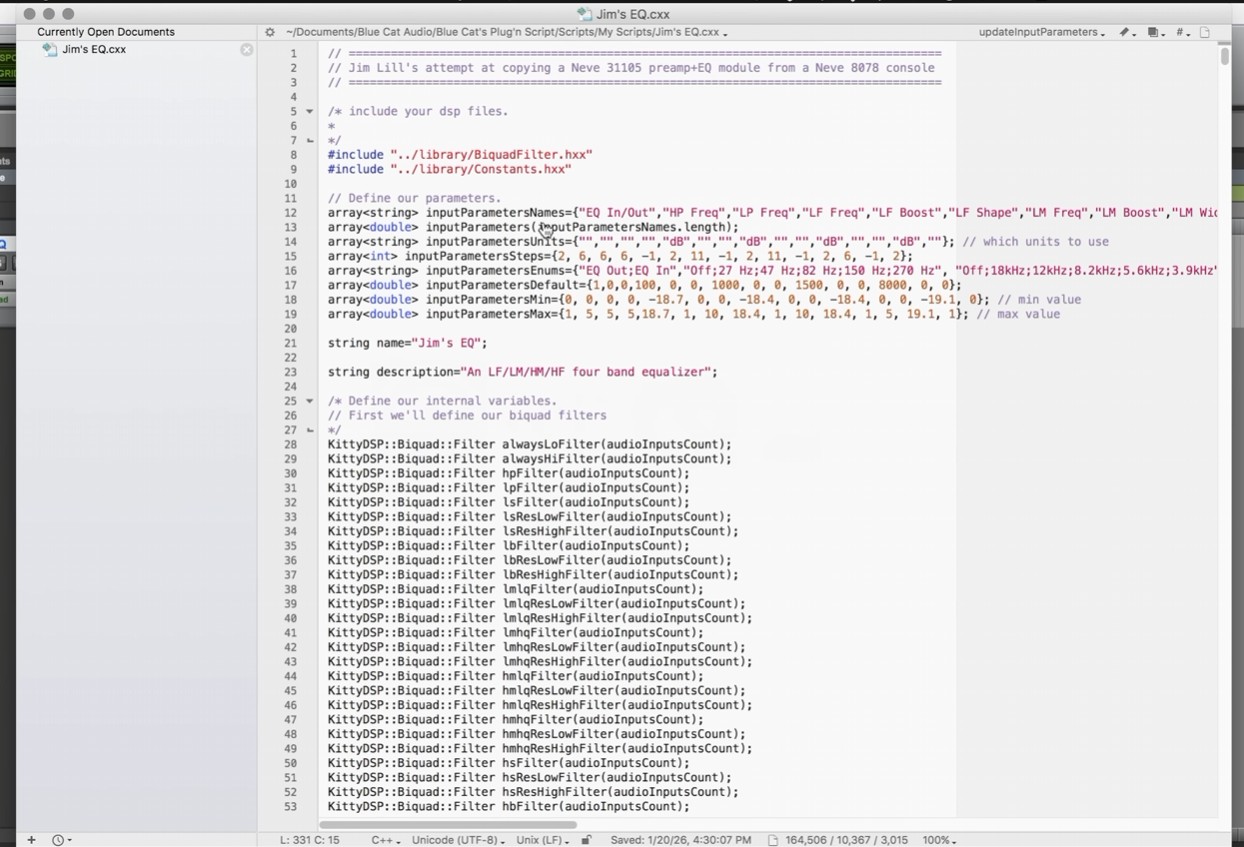
Plug’n Script appears twice in the video: the first appearance shows how a simple distortion processor can be built quickly using Plug’n Script. Later in the video, Plug’n Script is used again to create an EQ plug-in designed to match the response of the Neve console at Ocean Way Studios (Nashville). The resulting plug-in is then compared with recordings made through the actual console as part of the experiment.
One of the original goals behind Plug’n Script was to make this kind of rapid development possible. Whether you are prototyping DSP algorithms, creating custom measurement tools, building utility processors, or testing audio ideas, Plug’n Script was designed to provide a flexible environment that allows concepts to be implemented and evaluated quickly without developing a dedicated plug-in from scratch.
It is always exciting to see members of the audio community using the platform in ways we never anticipated. It was interesting to see Plug’n Script used as part of a project that combines audio analysis, experimentation, and plug-in development.
As Jim often describes himself as “just a performer”, his use of Plug’n Script is a nice reminder that building custom audio tools does not have to be limited to DSP specialists. Sometimes a simple idea, a bit of curiosity, and the right tool are enough to get started.
Many thanks to Jim Lill for including Plug’n Script in the process, and for continuing to contribute new ideas and experiments that keep audio discussions moving forward.
If you are curious, you can watch the full video here:


Considering he used your script to make this happen, why don’t you reach out to him and offer to retail his EQ which matched Ocean Way console? He asks to have Waves or someone contact him to develop it… You could be that group – which would be exactly what he designed. Just a thought.
We have actually been in touch already! 🙂