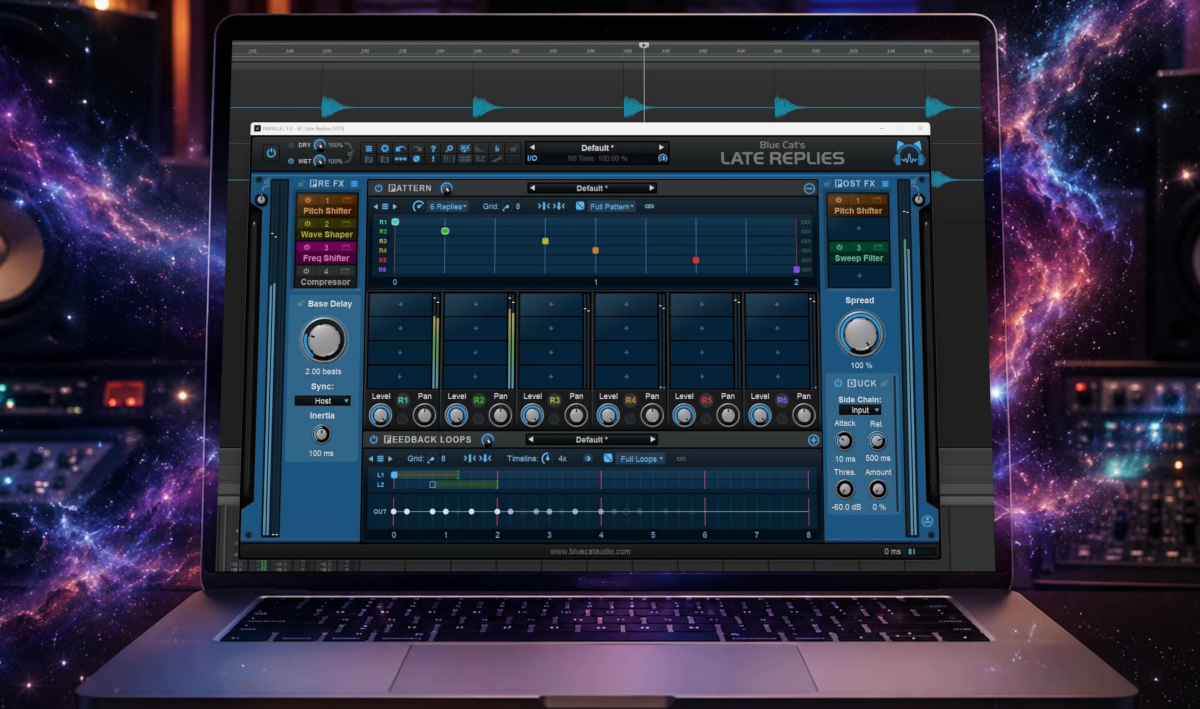
Stop thinking of delay as an echo. Start thinking of it as a creative system for building entirely new sounds and getting inspired instead.
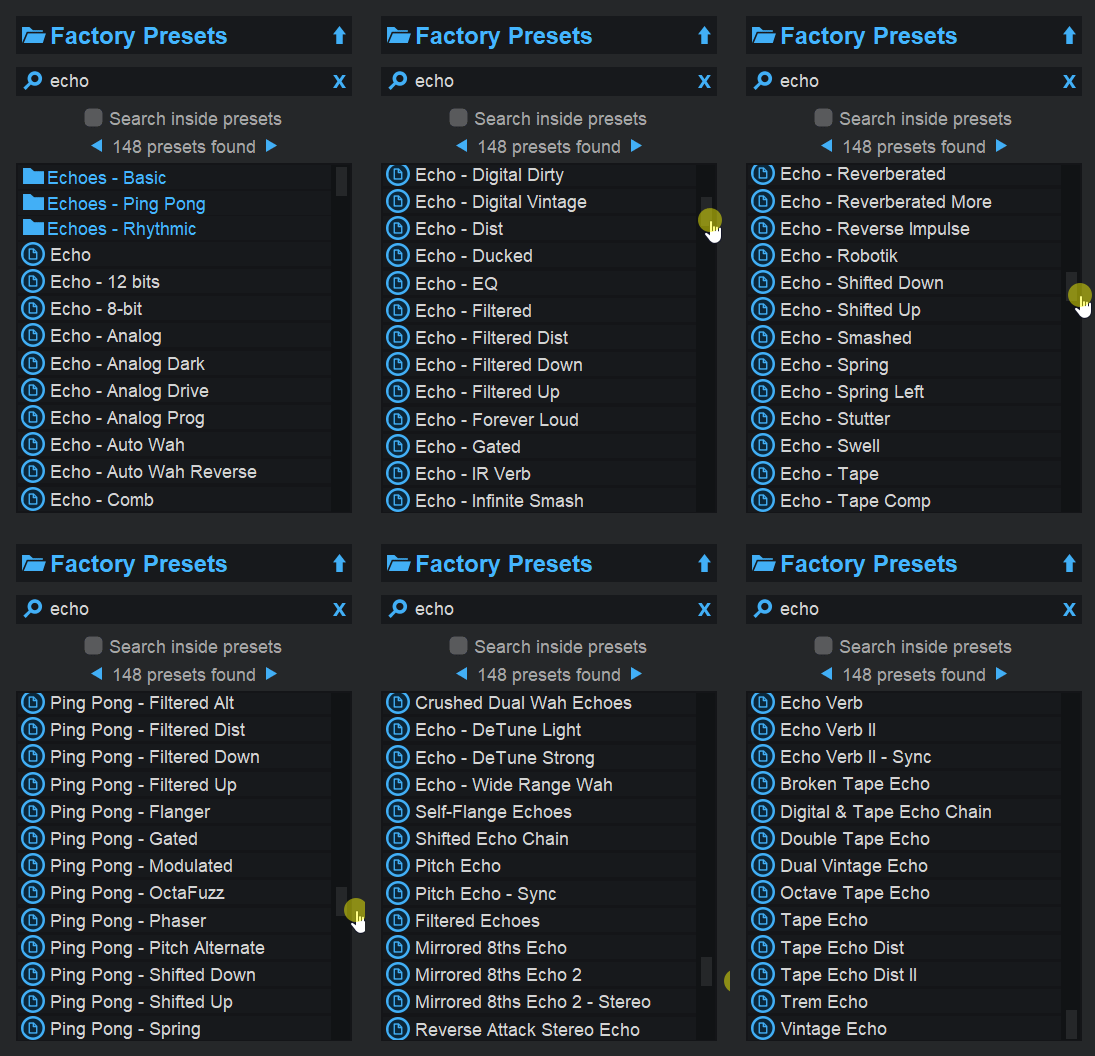
Most delay plug-ins are built to create echoes. Late Replies does that too—and does it very well. Browse the “Echoes” preset categories and you’ll find everything from subtle ambience to classic rhythmic delays:
But focusing on Late Replies as a delay plug-in is a bit like judging a synthesizer by its factory piano preset.
Once you start exploring its routing options, per-tap effects, feedback structures, and plug-in hosting capabilities, you’ll discover that delay is only the starting point. The real fun begins when you use those echoes as raw material for building entirely new sounds.
Here are a few tips to get the most out of it.
Start Simple, Then Build
New to Late Replies? Begin in EZ Mode and browse the presets. When you find something interesting, take a closer look at how it is constructed. Examine the taps, effects, and feedback paths, then start modifying individual elements to understand how they contribute to the overall sound.
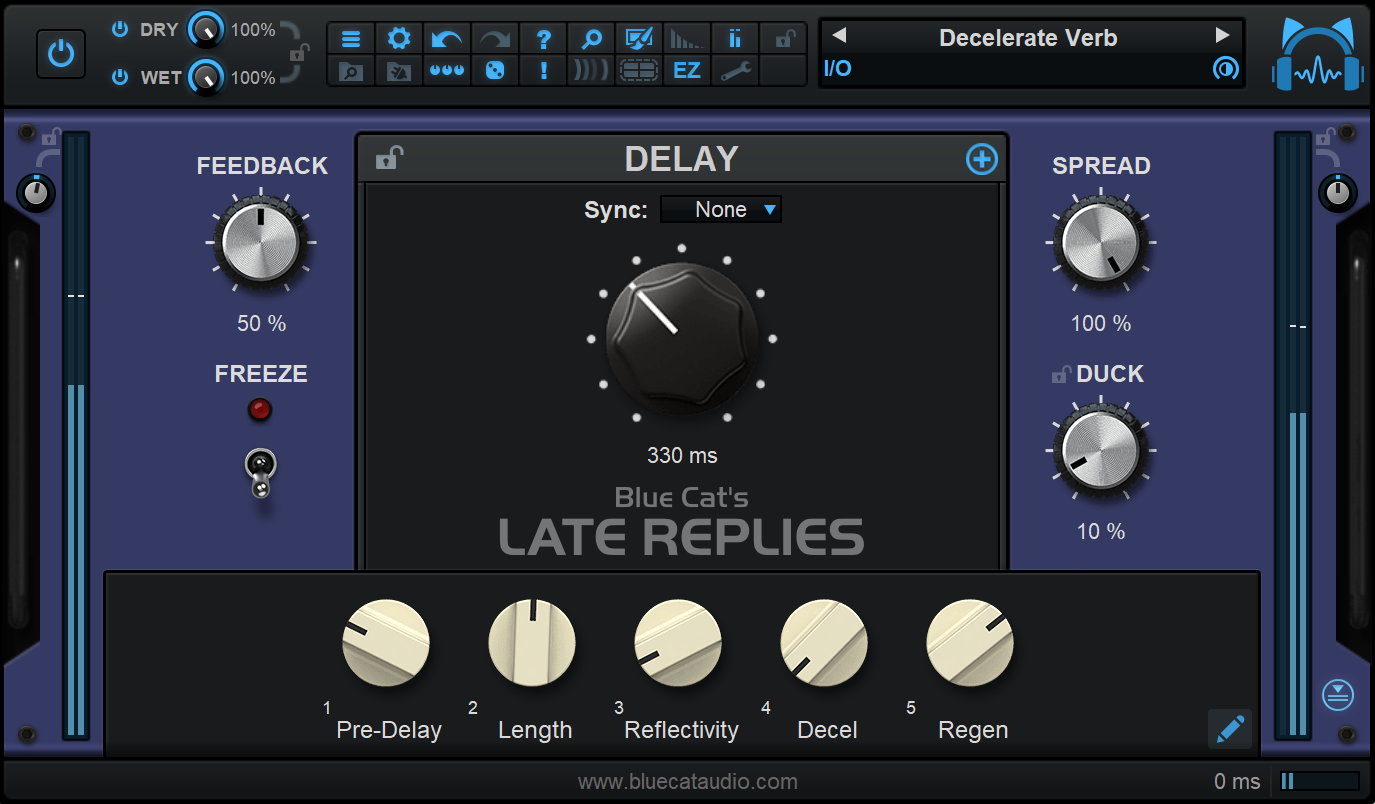
Prefer to build your own effects? Start with a single delay line and a clear objective. Add taps, effects, and feedback paths gradually. You’ll learn how each component influences the result and avoid becoming overwhelmed by complexity.
Design Delays That Evolve, Not Just Repeat
Traditional delays replay the same sound over and over. Late Replies allows each repeat to develop independently over time.
Try loading different effects on individual taps and adding processing within feedback loops. Instead of hearing identical echoes fading away, you’ll create patterns that change character over time, producing textures that feel organic and alive.
Turn One Sound into an Entire Soundscape
A single note, chord, drum hit, or guitar pluck can become a layered ambience, rhythmic sequence, or cinematic texture:
A good starting point is to load a preset that is close to your goal, then adjust the timing, feedback, and processing stages. You’ll often discover that even simple source material can generate surprisingly rich results.
Build Effects No Standard Delay Can Create
Most delay plug-ins offer a fixed collection of modes and algorithms. Late Replies allows you to create your own signal paths and feedback structures, resulting in unique effects that are your own.
Use presets and sub-presets when you need quick results, or dive into the routing system and shape every stage of the signal path. The deeper you explore, the further you move beyond conventional delay effects.
Experiment Without Losing Visual Control
Complex routing doesn’t have to mean confusing routing.
The Replies display provides an immediate visual representation of your pattern, making it easier to understand timing relationships, tap placement, and feedback structures:

As you modify the design, the display updates alongside your changes, helping you stay oriented while experimenting.
Make Delays Part of the Composition
Delays don’t have to sit quietly in the background.
Explore the melodic and rhythmic preset categories and listen to how echoes can become part of the groove, harmony, or texture of a track. A well-designed delay pattern can contribute as much to the arrangement as the original performance. In many case it may also inspire you melodies you wouldn’t have found without it.
Create Textures with Multiple Instances
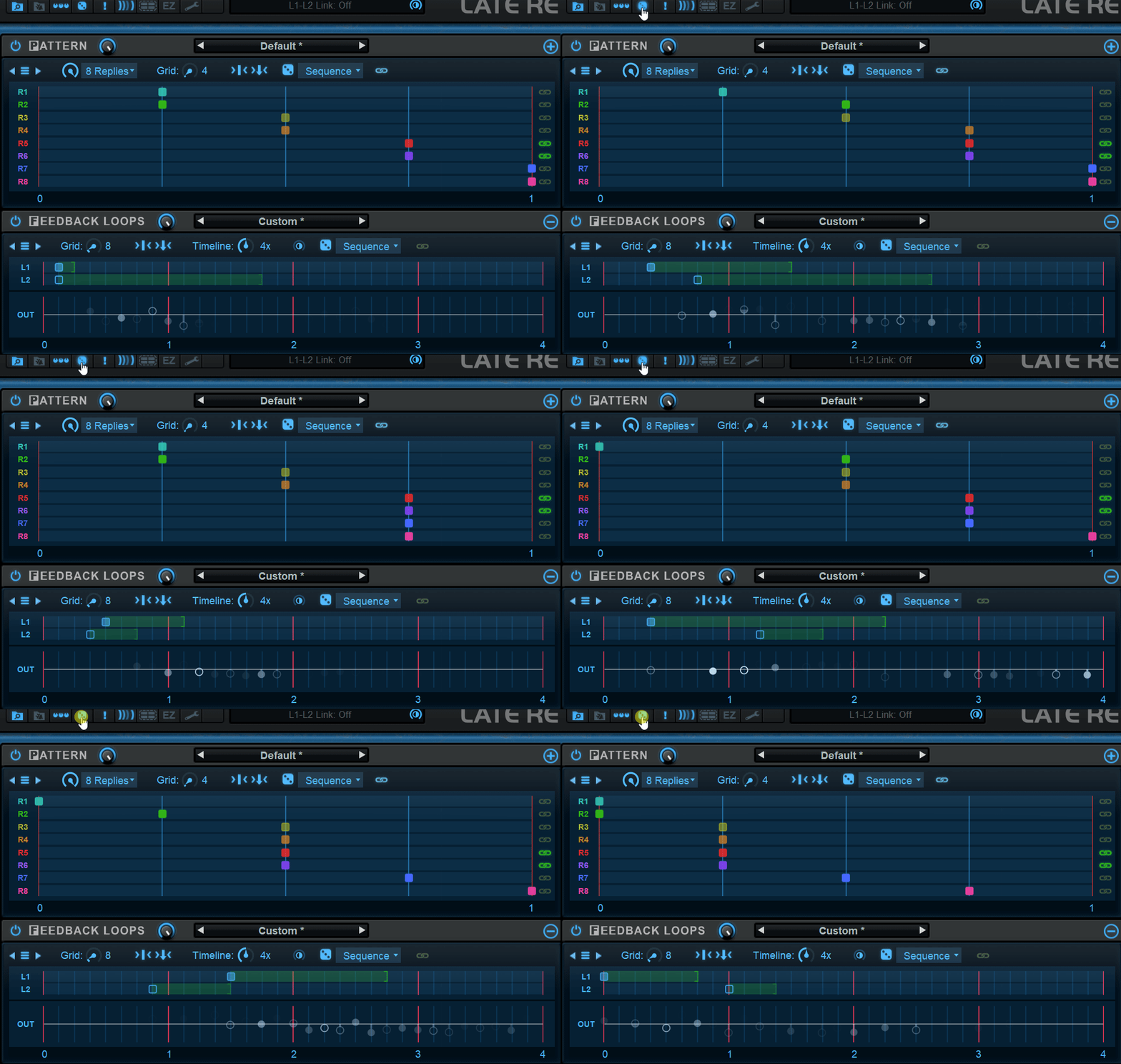
As already shown in the previous example, combining multiple instances of Late Replies can open up entirely new creative possibilities. One instance can generate a rhythmic pattern, while another processes the result with additional delays, modulation, filtering, or reverb-like textures.
By stacking different presets or custom configurations, you can create evolving soundscapes, intricate rhythmic networks, and rich ambient layers that would be difficult to achieve with a single effect. Since each instance can have its own timing, routing, and processing structure, the interactions between them often produce unexpected and inspiring results:
A good approach is to start with a simple preset on the first instance and use subsequent instances to add movement, depth, or contrast. Sometimes, the most interesting sounds emerge not from a complex patch, but from the way several simpler patches interact with one another.
Embrace Discovery
Late Replies rewards experimentation.
Try the randomization features, alter parameters you normally wouldn’t touch, and combine effects in unusual ways. Some of the most interesting sounds emerge from unexpected combinations rather than careful planning.
One Plug-In, Endless Creative Variations
Whether you’re after subtle movement, intricate rhythms, pitch-shifting echoes, degraded feedback, evolving stereo motion, or entirely new textures, Late Replies can cover an impressive range of territory from a single interface.
And when the built-in processors are not enough, you can insert your own VST and Audio Unit plug-ins directly into the signal path. Place them within individual replies, processing chains, or feedback loops and create effects that extend far beyond traditional delay design.
Final Thoughts
The best way to approach Late Replies is not as a delay plug-in, but as a creative environment that happens to use delay as its foundation. The more you explore its routing options, visual workflow, feedback structures, and plug-in hosting capabilities, the more you’ll discover that delay is only the starting point.
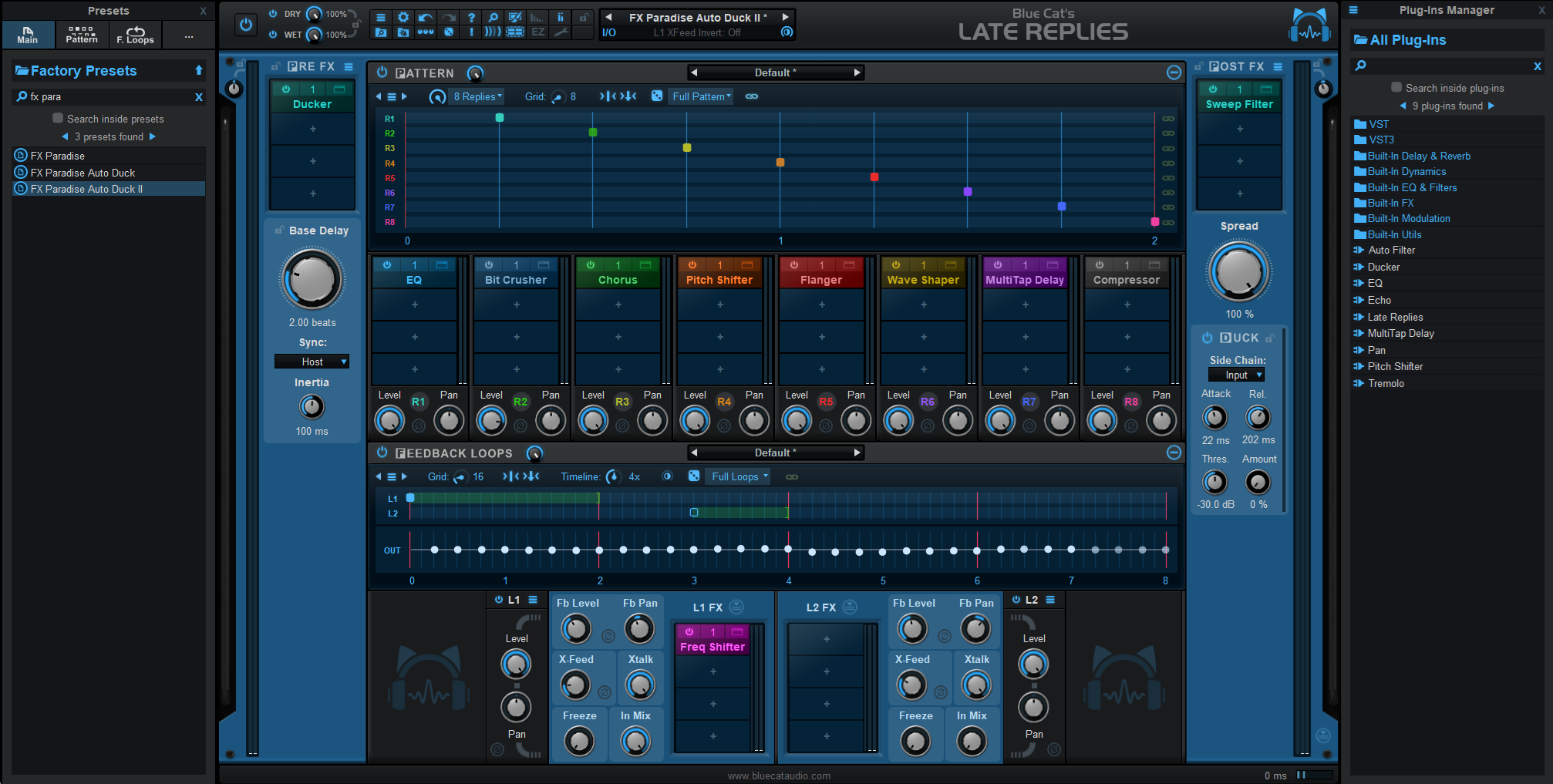
That said, you don’t have to dive deep into complex signal routing to enjoy what the plug-in has to offer. The extensive factory presets library provides plenty of inspiration on its own, while the built-in macro controls make it easy to transform and personalize sounds without touching the underlying structure.
Whether you enjoy building effects from scratch or simply tweaking presets, Late Replies offers a workflow that can be as straightforward—or as sophisticated—as you want it to be.