Film scoring presents some unique mixing challenges. With multiple orchestral sections, layered instruments, percussion, sound effects, and musical themes all competing for space, keeping everything balanced and under control can quickly become a complex task.
In our previous video, we explored how to use Blue Cat’s Dynamics and Blue Cat’s Protector to improve a music mix. This time, we’re taking these two powerful tools into a different setting: film scoring!
Watch the video to see how we use them to manage the dynamics of a cinematic orchestral arrangement, control peaks, and help the main musical theme stand out.
Two Powerful Tools for a More Controlled Mix
Before diving into the session, let’s briefly look at what each plugin brings to the table.
Blue Cat’s Dynamics is a versatile all-in-one dynamics processor. It offers much more than traditional compression, combining compression, limiting, gating, expansion, and waveshaping in a single plugin. Its flexible controls let you shape the dynamics of individual tracks or entire instrument groups, making it particularly useful for complex orchestral arrangements.
Blue Cat’s Protector is a brickwall limiter designed to prevent unwanted peaks and keep your audio output under control. With adjustable limiting characteristics, lookahead, stereo linking, and detailed metering, it helps you manage peak levels while maintaining the impact and clarity of your mix.
If you’d like to learn more about their features and settings, check out our previous post on mixing with Dynamics and Protector.
Putting the Plugins to Work in a Film Score
1. Protector: Keeping the Master Output Under Control

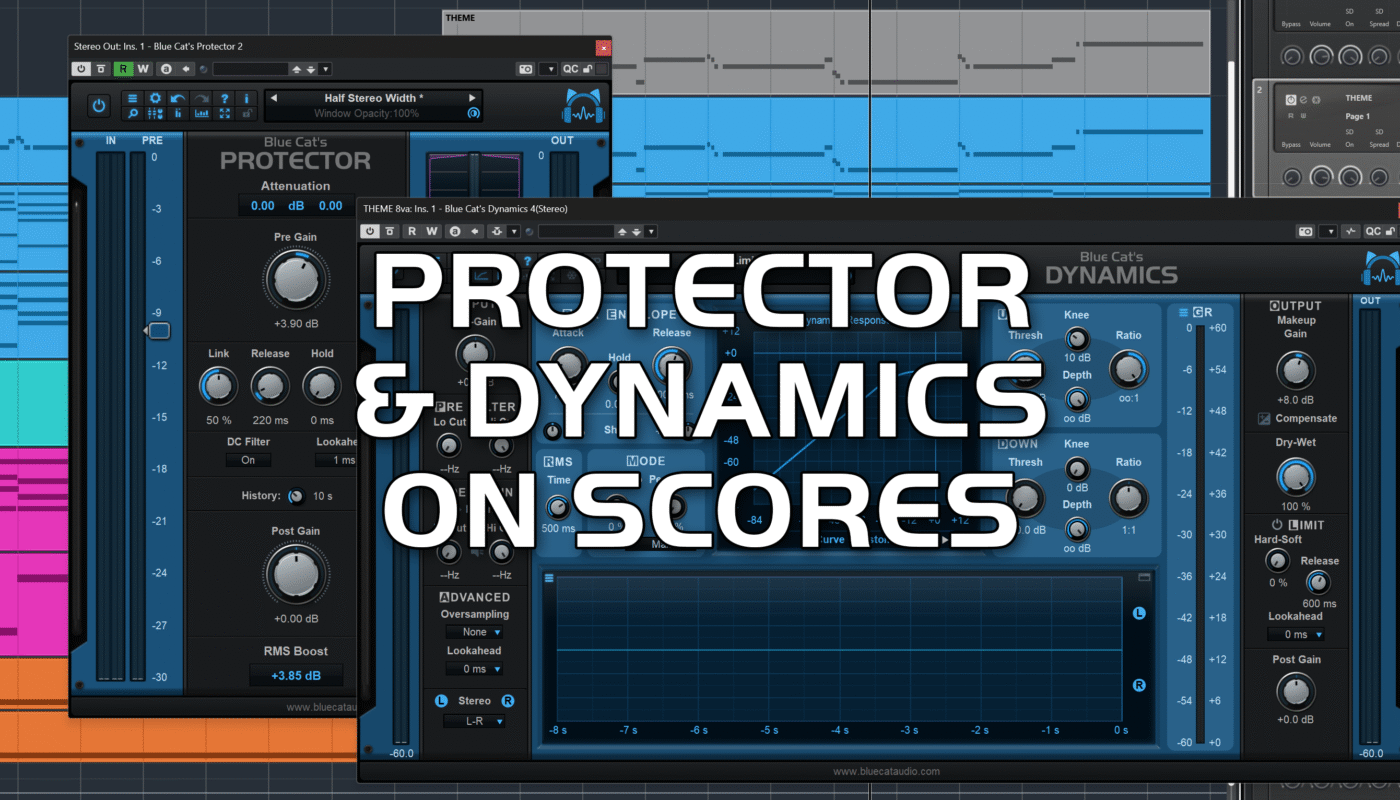
As in our previous mixing example, we used Protector on the master stereo output as a brickwall limiter.
Film scores often feature dramatic dynamic contrasts, from quiet passages to powerful orchestral crescendos. These variations can generate sudden peaks that exceed the available headroom.
Protector helps catch those peaks, prevent clipping, and control the overall output level. The goal is to keep the mix clean and powerful without sacrificing the natural dynamics and emotional impact of the score.
2. Dynamics: Managing the Orchestration

With dozens of tracks in a typical film-scoring session, processing every instrument individually can quickly become impractical. A more efficient approach is to group related instruments into buses and process them together.
For this project, we created eight buses:
- Theme
- Global Orchestra
- Rhythmic Strings
- Low Brass FX
- Choir A
- Choir B
- Percussion 1
- Percussion 2
We then inserted an instance of Dynamics on each bus, mainly using its compression capabilities to tame peaks and create a more balanced mix.
The advantage of this approach is that each instrument group can be controlled independently. For example, you can tighten the dynamics of rhythmic strings, gently control choir levels, or manage powerful brass and percussion peaks without affecting the other sections.
Dynamics also offers additional processing options, including limiting, expansion, gating, and frequency-dependent compression, giving you plenty of flexibility to adapt the processing to your arrangement.
This bus-based workflow makes it easier to manage a complex score while maintaining control over its overall balance and musical dynamics.
Final Thoughts
Combining Dynamics and Protector provides an effective way to achieve a tighter, more controlled film score mix.
Dynamics helps shape and balance the different orchestral sections, while Protector takes care of the final output and unwanted peaks. Together, they help maintain clarity, preserve musical impact, and allow the main theme to shine through even in a dense orchestration.
Happy scoring, and happy listening!